

WordPress includes a default table block for creating simple text-based tables, but its limitations have become obvious on modern websites. While it handles basic grids of words and numbers, it struggles with anything more complex. If your table needs anything beyond plain words, like better styling or richer content, the cracks start to show quickly.
Real-world tables often demand a bit more. You might want to include images, buttons, or comparison elements inside a cell, or make sure your tables adjust properly on mobile screens. Imagine the frustration that would be caused when you’re preparing a table where any of these points become necessary.
These are the areas where the default Table block struggles and feels outdated for modern needs. So, before building anything important with it, it is better to understand exactly where the default Table block falls short and how you can create a better solution instead.
What Can Be Done with the Default Table Block
The default Table block in WordPress covers the basics. It lets you create simple rows and columns to organize text-based information. You can set a header, adjust alignments, and apply a striped style for easier reading. For quick layouts like a simple price list, a two-column comparison, or a contact directory, the block usually gets the job done without needing extra tools.
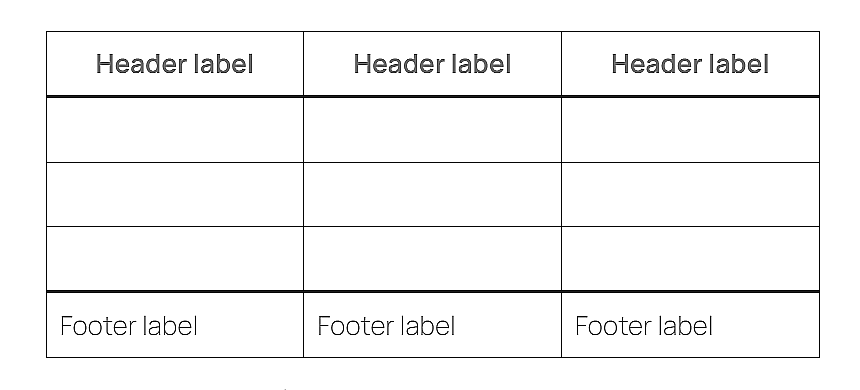
Here are some things you can comfortably do with the default Table block:
-
Add simple text entries across rows and columns.
-
Create a basic header row to label columns.
-
Apply striped row styling for better readability.
-
Align text to the left, center, or right within cells.
-
Adjust the number of rows and columns whenever needed.
-
Insert links inside cells to make parts of the text clickable.
While these features are helpful for lightweight tables, they often fall short when a project demands richer content, better design control, or mobile optimization.
Limitations of the Default Table Block
On the surface, the Table block seems to handle basic needs just fine. But when you look a little deeper, the gaps start to show. Let’s take a closer look at the areas where it falls short.
Only Plain Text Content
The default Table block limits you to plain text inside cells. You cannot insert images, buttons, or other media without workarounds.
Minimal Styling Options
Styling is extremely basic. Beyond simple alignment and a striped design, there is little control over borders, colors, or cell spacing.
No Sorting, Search, or Filtering
Tables stay static no matter how big they get. There is no sorting, no filtering, and no way for users to quickly find what they need.
No Responsive Behavior
Wide tables often break on mobile devices. Without extra help, they either overflow the screen or squeeze into unreadable formats.
Difficult Management for Large Tables
Handling large tables is clumsy. There are no tools for easy row or column reordering, and making edits becomes slow and frustrating.
No Templates or Patterns
Each new table starts blank. The core Table block offers no templates or ready-made layouts to speed things up.
When Is the Default Table Block Still Useful?
Even with its limitations, the default Table block still has its place. For small tasks that do not demand advanced features, it can be the simplest solution.
Here are a few cases where the default Table block can still work well:
-
Quick tables with just a few rows and columns.
-
Text-only data without the need for media or buttons.
-
Tables that will stay small and rarely change over time.
-
Blog posts where detailed design or responsiveness is not critical.
-
Temporary content that does not need heavy styling or mobile optimization.
In short, when your needs are light, your design expectations are low, and your table will not grow too large over time, there is no harm in using the built-in option.
How to Overcome the Default Table Block’s Limits
When the default Table block is no longer enough, a better solution is needed. Tableberg is a Gutenberg-based table plugin that fixes nearly all the missing pieces without changing the editing experience you are used to. Your tables can now include images, buttons, lists, star ratings, icons, and ribbons without needing special workarounds.